How to Convert Images into Videos with AI: The Complete Guide for Creators
Have you ever looked at a stunning portrait and wished it could move? With Image to Video AI, that's no longer just imagination. Whether you're a content creator, a digital artist, or someone who loves bringing visuals to life, AI-powered image-to-video technology opens up a world of creative possibilities.
In this guide, you'll learn everything you need to know about converting images into videos using AI — from understanding the technology to practical, step-by-step instructions you can follow today.
What Is Image to Video AI and Why It Matters
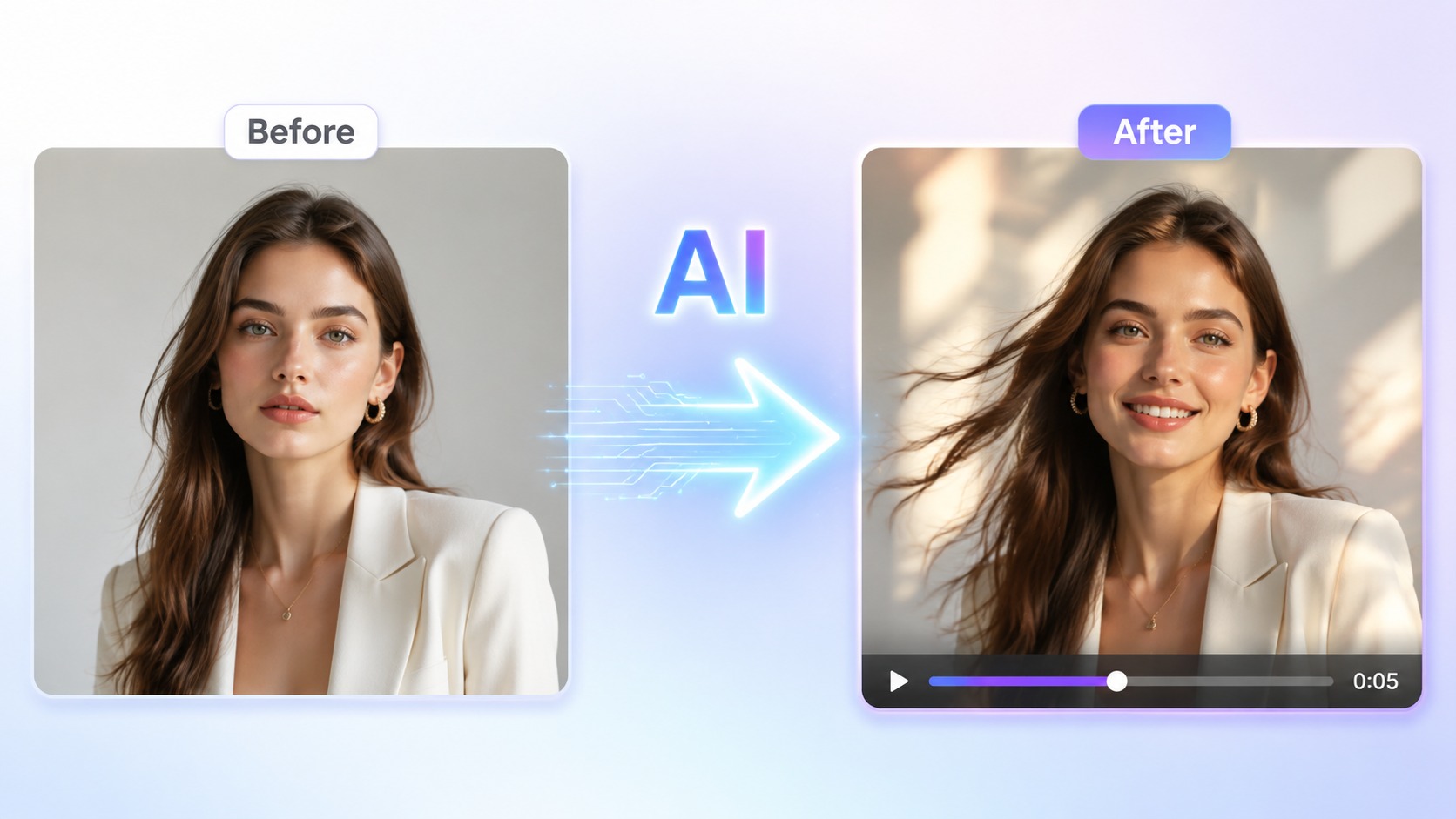
Image to Video AI is a technology that uses artificial intelligence to animate static images and transform them into short video clips. Instead of spending hours learning complex video editing software, you can now generate dynamic, eye-catching content in seconds.
For entertainment creators, this technology is a game-changer. Imagine taking a single captivating portrait and bringing it to life with subtle movements — a gentle breeze through the hair, a soft smile forming, or a slow cinematic camera pan. The result? Content that grabs attention and keeps viewers watching.
HeySparkAI offers a powerful Image to Video AI tool that makes this process effortless, even if you have zero video editing experience.
How Image to Video AI Works: The Technology Explained
- Image Analysis: The AI examines the image to understand its subjects, lighting, depth, and composition.
- Motion Prediction: Using training data from millions of video clips, the model predicts how elements in the image should naturally move.
- Frame Generation: The AI generates intermediate frames between the original image and the predicted end state, creating smooth, lifelike motion.
- Video Output: The frames are stitched together into a seamless video clip.
The best part? You don't need to understand any of this to use it. The technology handles the heavy lifting behind the scenes — you just upload and create.
Top Use Cases: Bringing Your Visuals to Life
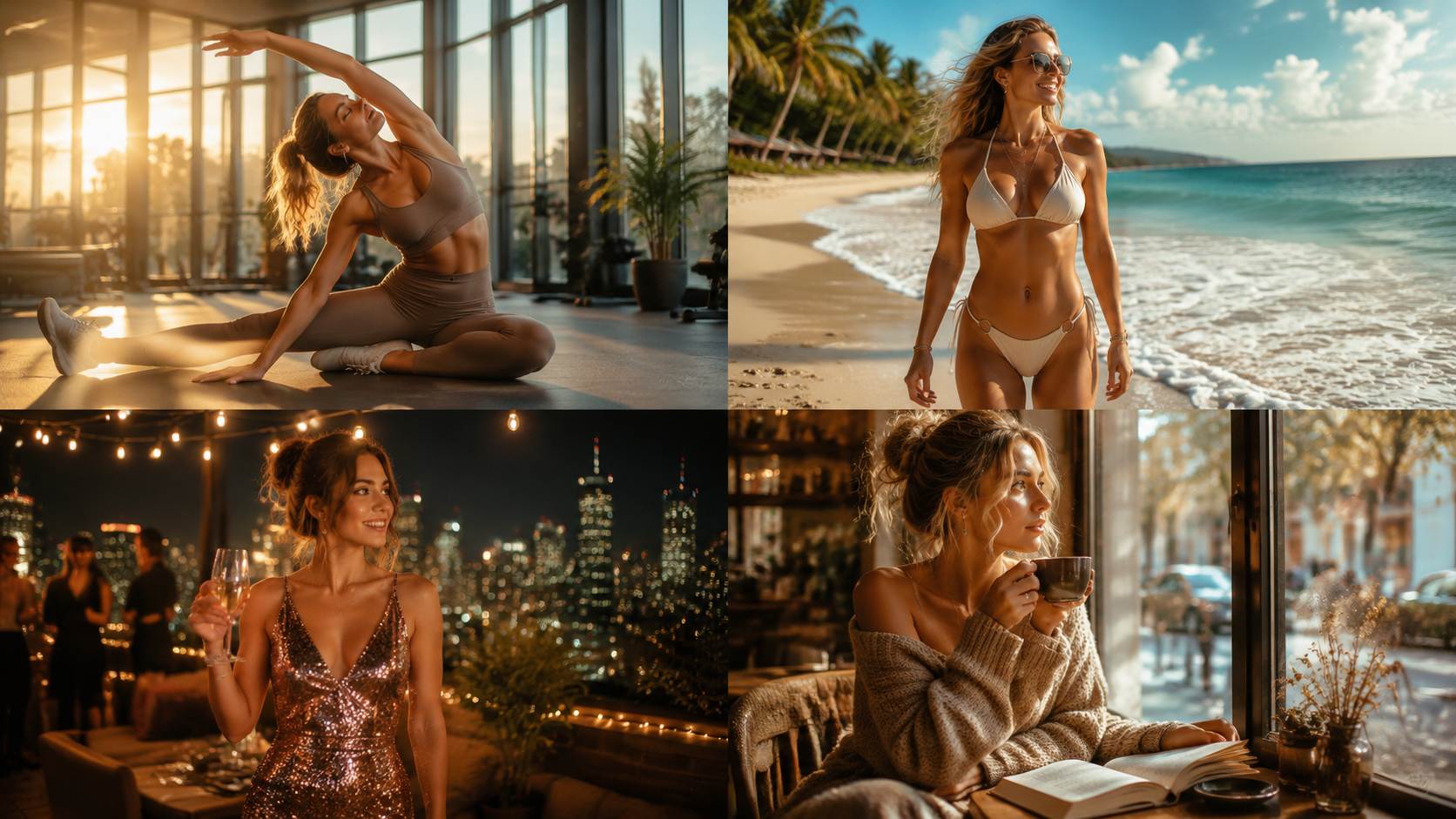
Image to Video AI isn't just a novelty — it has real, practical applications for creators across every platform:
- Social Media Content: Animated portraits and dynamic visuals get significantly more engagement than static images in crowded feeds. A moving portrait stops the scroll.
- Digital Storytelling: Add motion to your visual narratives without a full video production budget or crew.
- Creative Portfolios: Showcase your work in a more dynamic, memorable format that potential clients won't forget.
- Entertainment Content: Bring character art, fashion photography, and lifestyle imagery to life with cinematic motion effects that feel professional.
If you're also exploring AI Image Generator tools, you can create your visuals first, then animate them for a complete content pipeline. Want to go even further? Our AI Video Generator lets you create videos entirely from scratch.
Step-by-Step: Converting Images to Videos with HeySparkAI
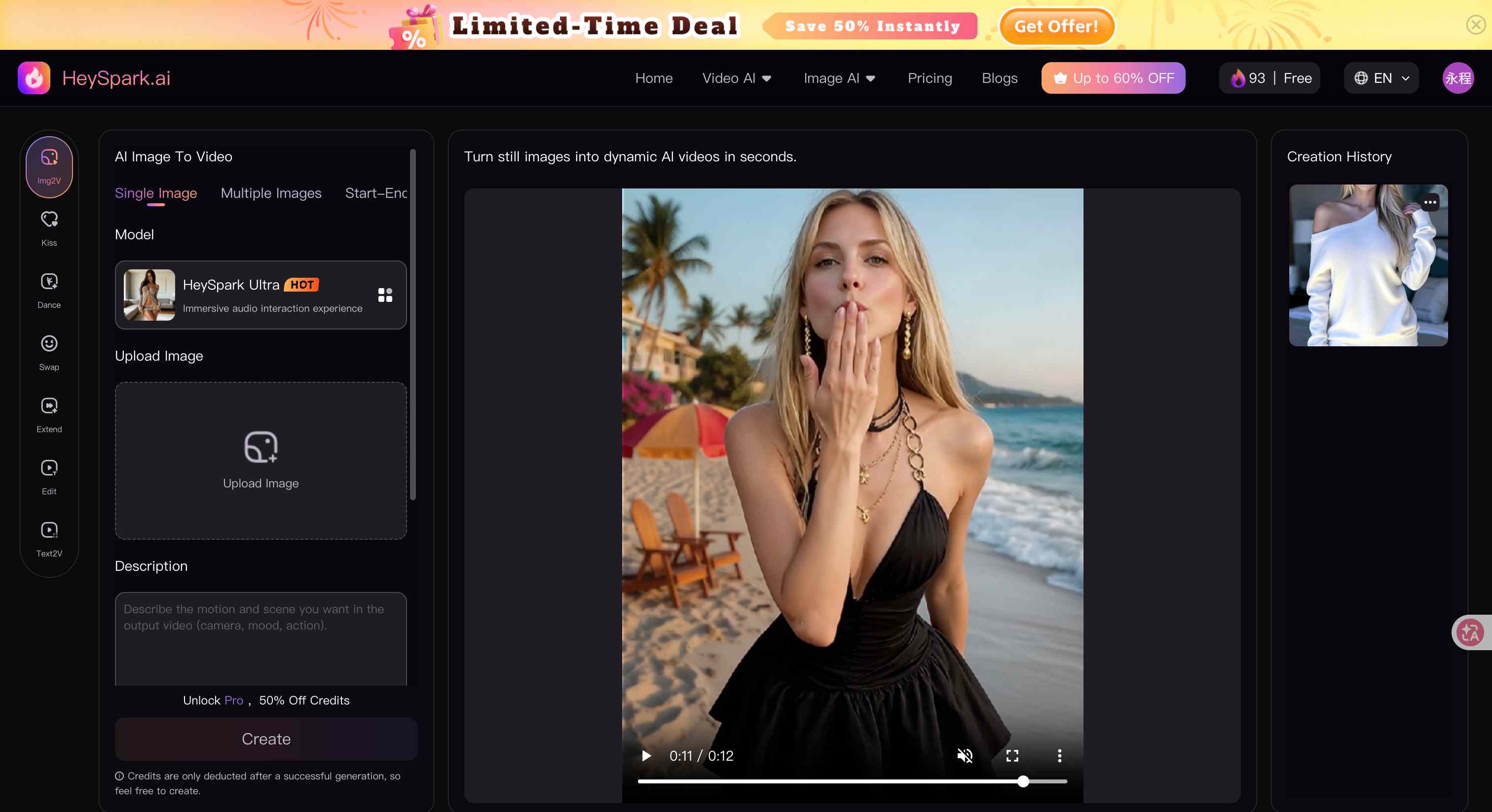
Ready to try it yourself? Here's how to convert images into videos using HeySparkAI:
Step 1: Prepare Your Image Choose a high-quality image with clear subjects and good lighting. Portraits, fashion shots, and lifestyle photos work exceptionally well. The better your source image, the more impressive the result.
Step 2: Access the Tool Log into HeySparkAI and navigate to the Image to Video AI feature. You can also explore our Text to Video AI option if you prefer to start from a text prompt instead.
Step 3: Upload and Configure Upload your image and select your desired motion style — subtle, dynamic, or cinematic. Adjust settings like duration and motion intensity to match your creative vision.
Step 4: Generate and Download Click generate, wait a few seconds, and download your video. It's that simple.
Pro Tip: For the best results, use images with clear focal points and minimal background clutter. The AI focuses on what matters most in the frame.
Pro Tips for Better Image to Video AI Results
Want to take your results to the next level? Here are some pro tips that experienced creators swear by:
- Choose the Right Image: Images with clear subjects, good contrast, and interesting compositions produce the best results. Avoid overly busy backgrounds that confuse the AI.
- Experiment with Motion Settings: Different images call for different motion styles. A close-up portrait might benefit from subtle facial movement, while a full-body shot might shine with a slow cinematic pan.
- Mind the Aspect Ratio: Match your output format to your target platform — vertical for social media stories, horizontal for YouTube, square for Instagram feeds.
- Iterate and Refine: Don't settle for the first result. Generate multiple variations with different settings and compare them side by side.
- Combine with Other AI Tools: Use the full creative suite — generate images, animate them, and layer in text-to-video elements for richer, more engaging content that stands out.
Frequently Asked Questions (FAQ)
Q1: Is Image to Video AI free to use? Our platform offers flexible plans, including free credits for new users. You can try the Image to Video AI feature right away and upgrade as your creative needs grow.
Q2: How long can the generated videos be? Video length depends on your plan and settings. Most standard generations produce clips ranging from 3 to 10 seconds — perfect for social media, stories, and quick visual content.
Q3: Do I need any technical skills to use Image to Video AI? Not at all. The platform is designed for creators of all skill levels. If you can upload an image and click a button, you can create AI-powered videos.
Q4: Can I use the generated videos commercially? Yes, content created on our platform can be used for personal and commercial projects, subject to our terms of service. Always ensure you have the rights to your source images before animating them.
Q5: What types of images work best with Image to Video AI? High-resolution images with clear subjects — such as portraits, fashion photography, and lifestyle scenes — tend to produce the most impressive results. Good lighting and minimal background clutter also help the AI animate more naturally.
Conclusion
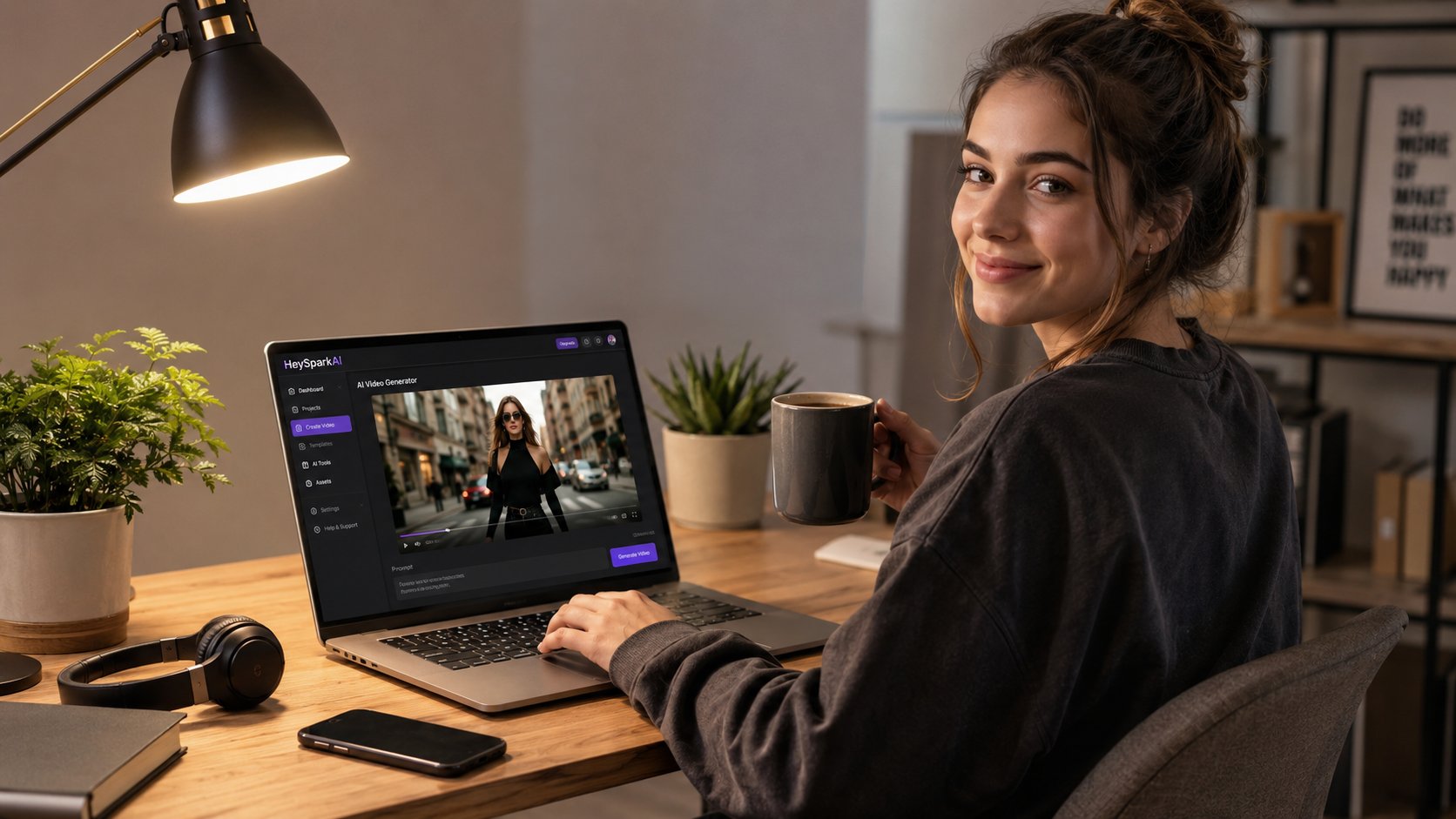
Image to Video AI is transforming how creators produce visual content. What once required expensive software, hours of editing, and professional skills can now be achieved in seconds with nothing more than a single image.
Whether you're a beginner exploring AI creativity or an experienced entertainment creator looking to streamline your workflow, the power to bring static images to life is right at your fingertips. Start with a single image, experiment with different motion styles, and discover the creative possibilities that await.
Ready to create your first AI video? Visit HeySparkAI today and turn your images into captivating motion content.